
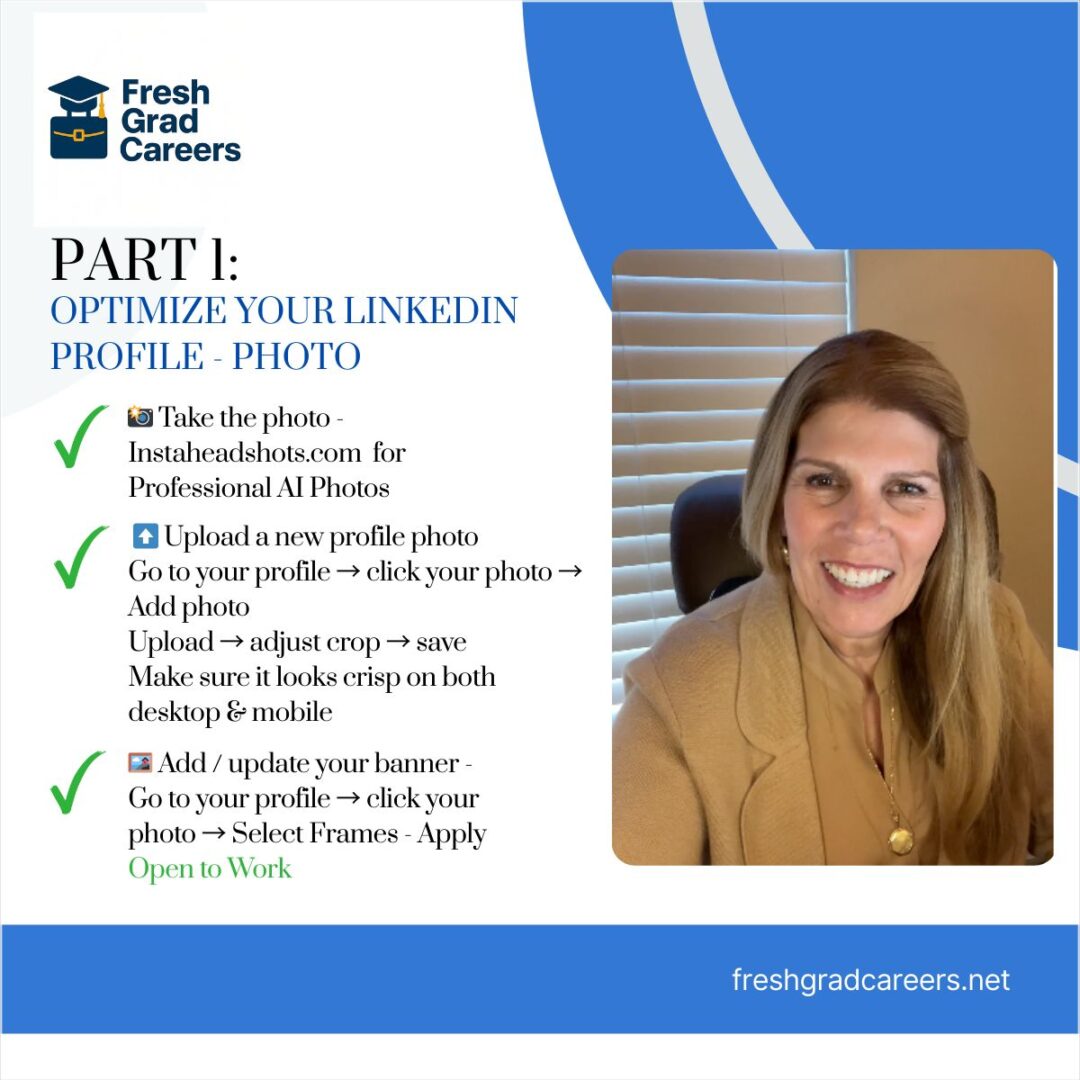
PART 1: OPTIMIZE YOUR LINKEDIN PROFILE PHOTO
Let’s Get You Noticed and Hired On LinkedIn – Follow Along For More Tips!
- Take the photo- Instaheadshots.com for Professional AI Photos
- Upload a new profile photo- Go to your profile → click your photo
Add photo
Upload→ adjust crop → save
Make sure it looks crisp on both desktop & mobile - Add/update your banner – Go to your profile → click your photo → Select Frames – Apply Open to Work